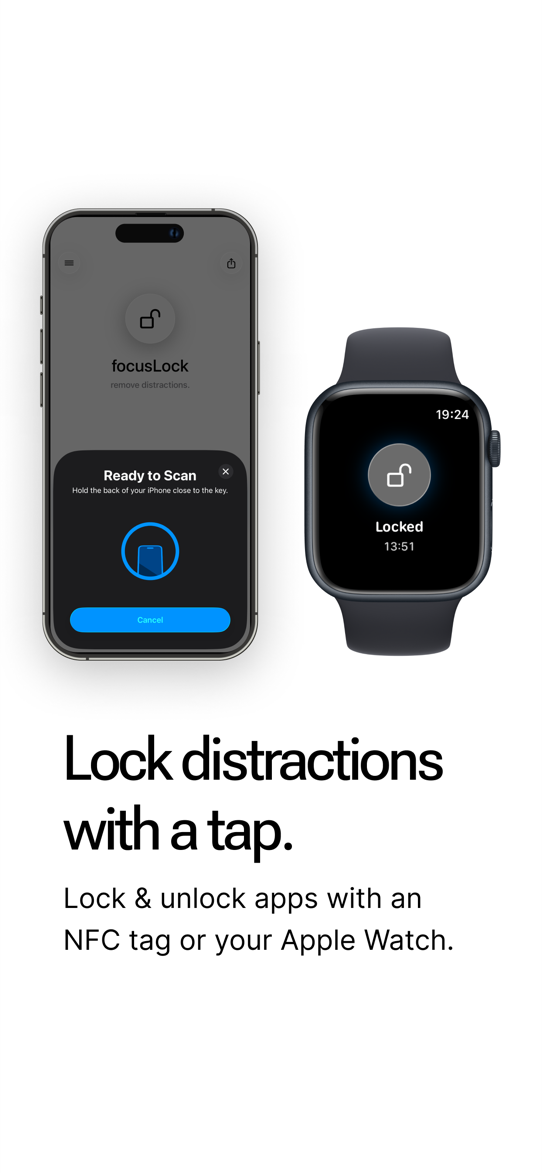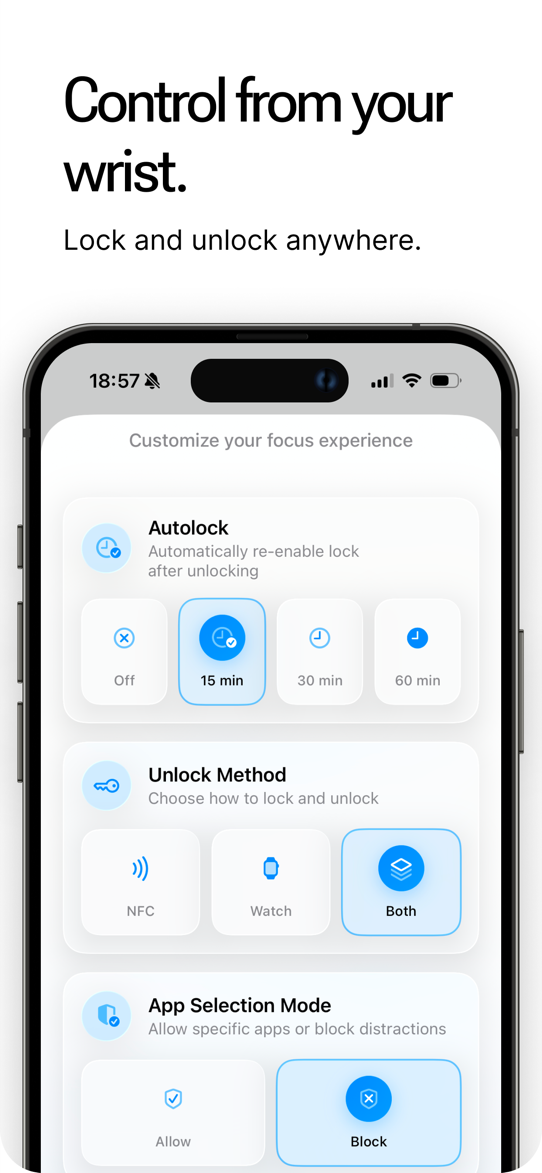
Traditional app blockers can be bypassed with a timer or a tap. focusLock requires a physical key: tap the tag and your distracting apps are locked; tap it again and they are unlocked. Any NFC tag — programmed directly in the app — or your Apple Watch serves as the key.
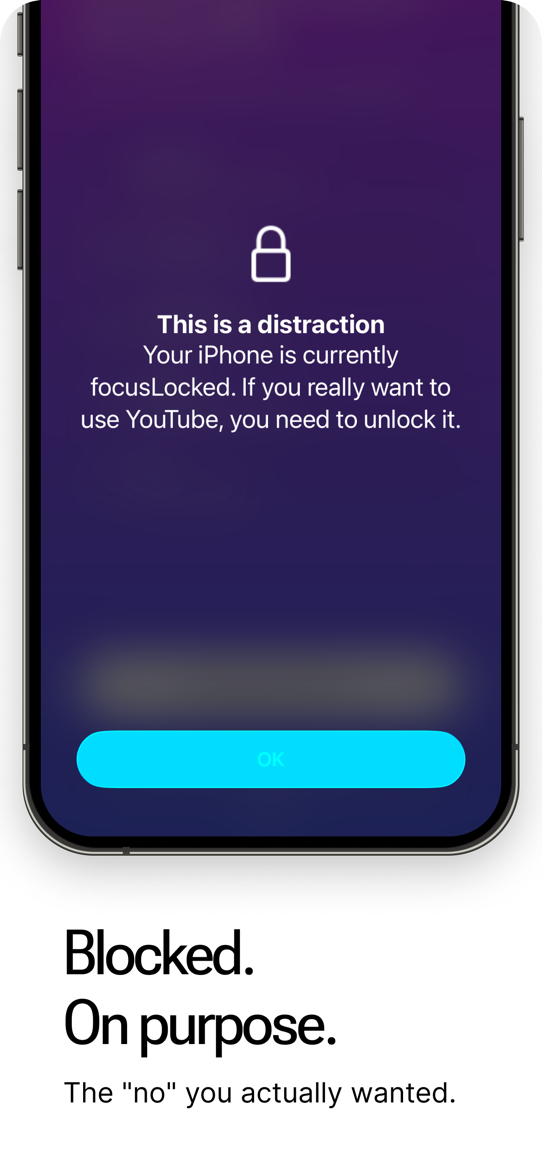
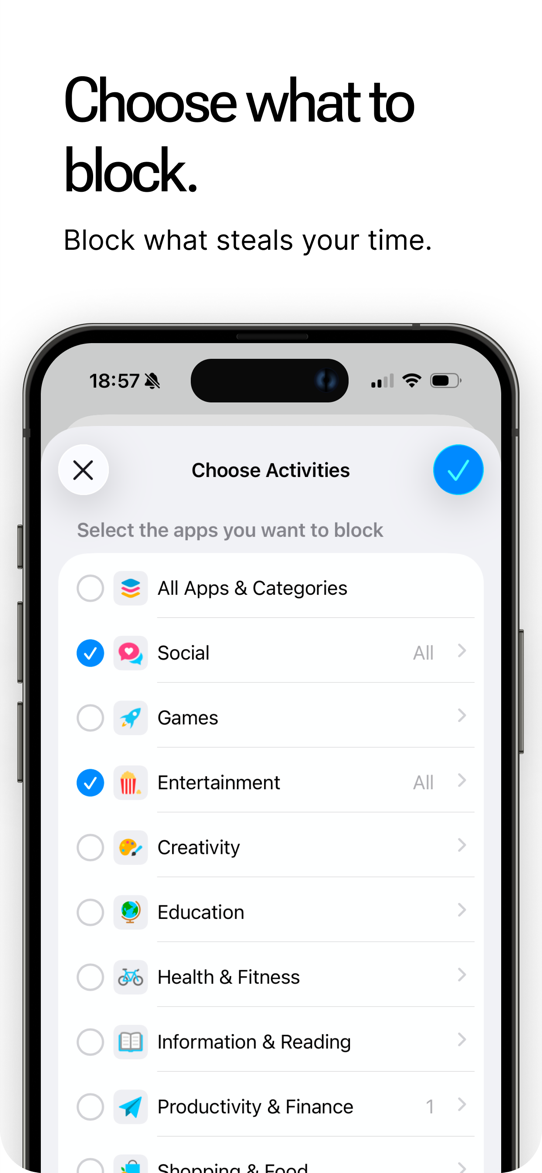
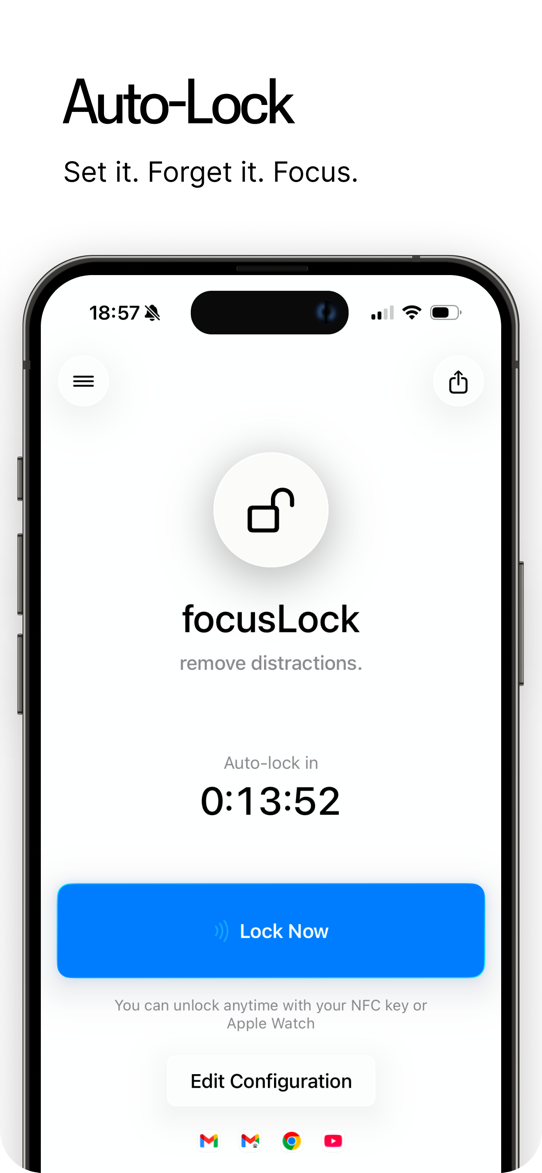
Keep the tag in another room or hand it to a colleague, and unlocking takes effort — staying focused becomes the path of least resistance. Block specific apps (blocklist mode) or allow only the essentials (allowlist mode); Auto-Lock locks the phone on a schedule by itself.
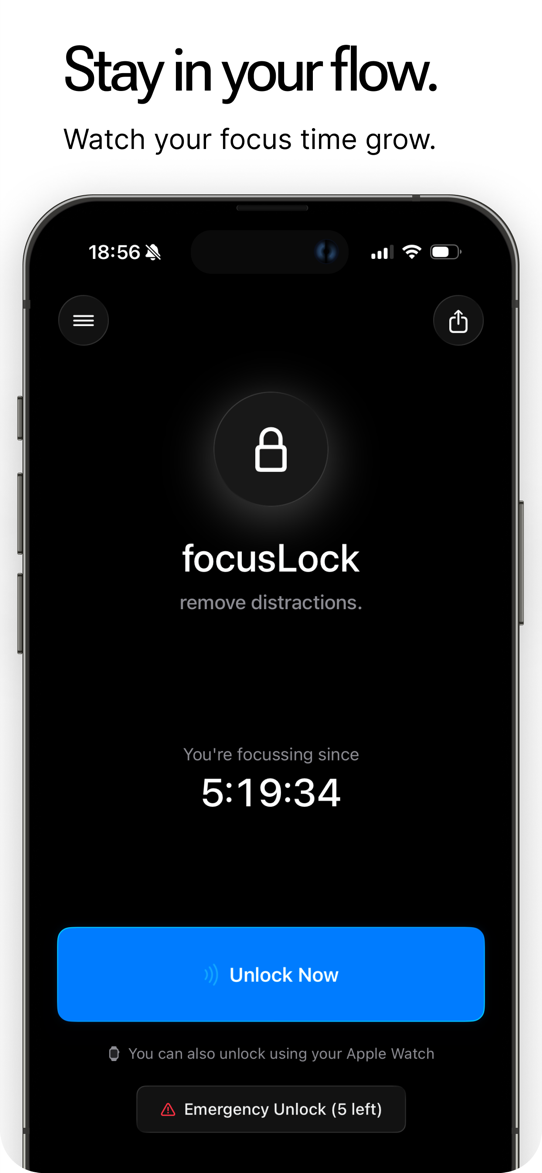
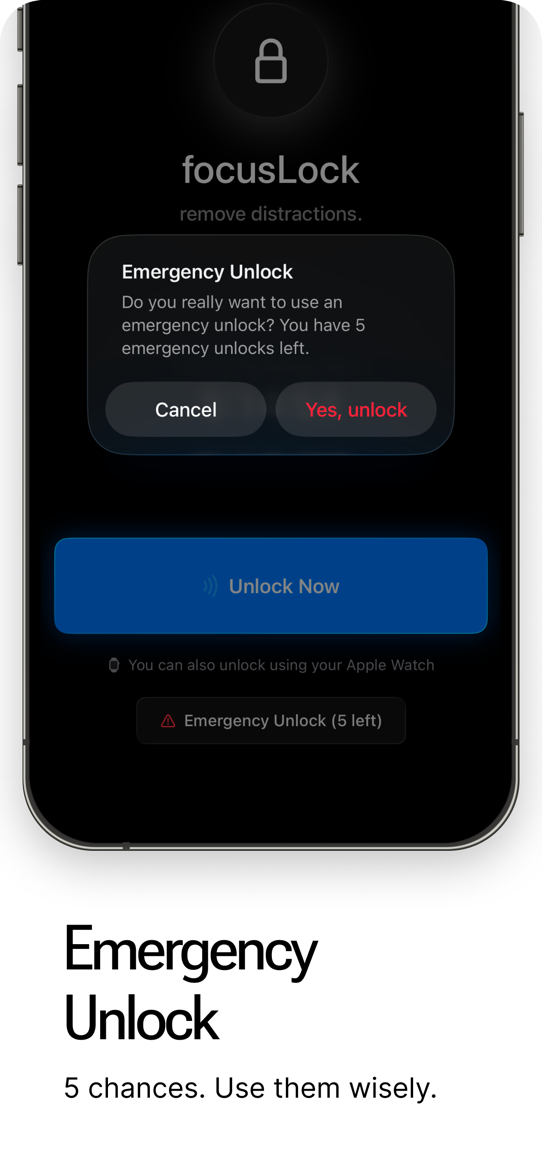
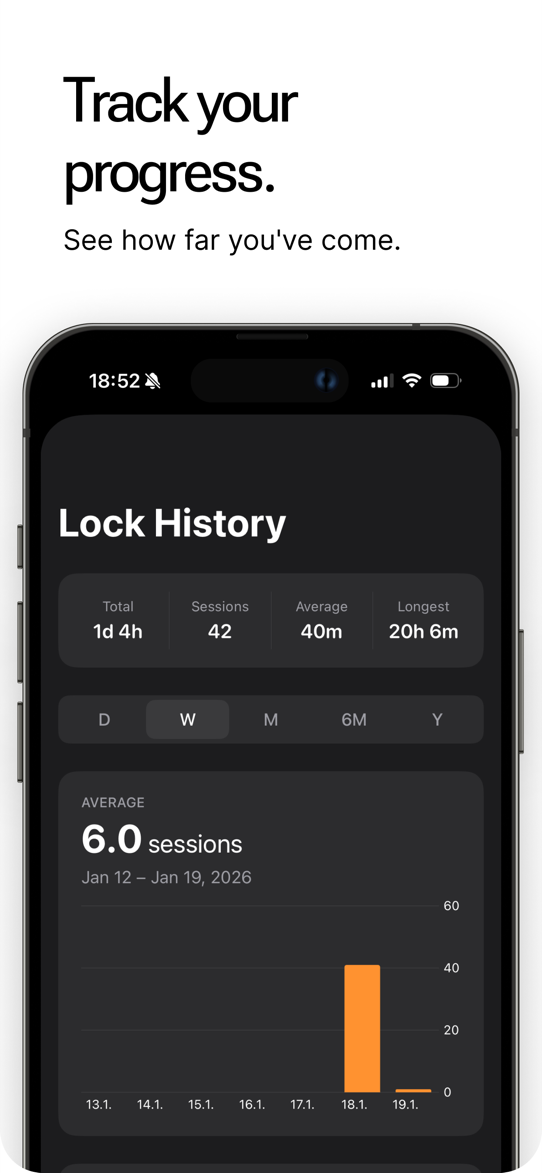
A live timer shows the current focus session, and the lock history adds up your distraction-free time. Five emergency unlocks are included for the rare moments you truly need access, with top-ups available — everything else is free. All data stays on the device: no account, no tracking, no analytics.
Features
- NFC tag or Apple Watch as the key
- Program your own NFC tags in the app
- Blocklist or allowlist mode
- Scheduled Auto-Lock
- Live focus timer & lock history
- 5 emergency unlocks included
- No account, no tracking, no analytics
Screenshots